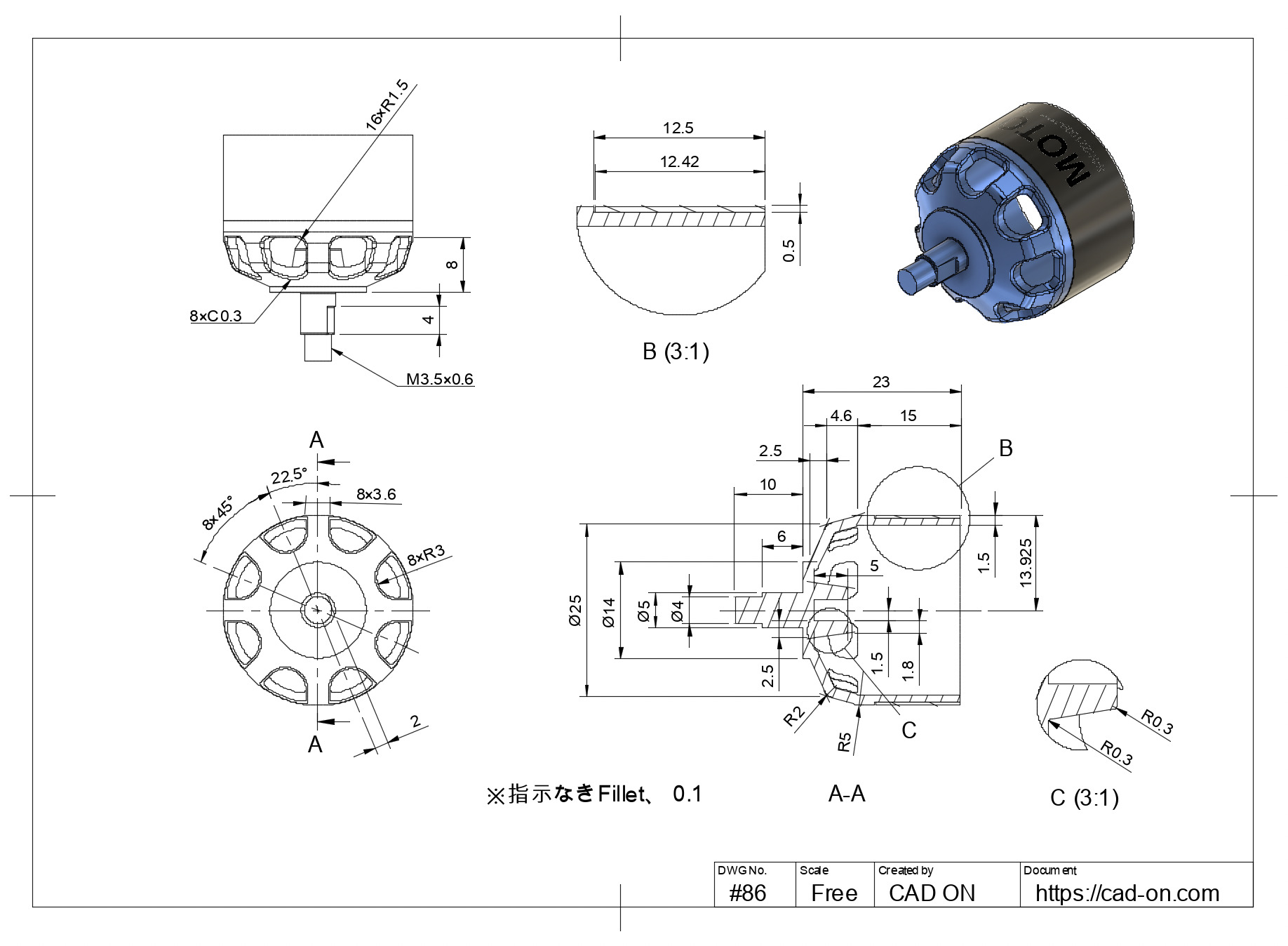
モデル参考:Autodesk gallery _ Brushless DC Motor
#3d #2d #cad #fusion360 #drawing #tutorial #training #無料 #図面 #トレーニング #基礎 #練習 #問題 #学習
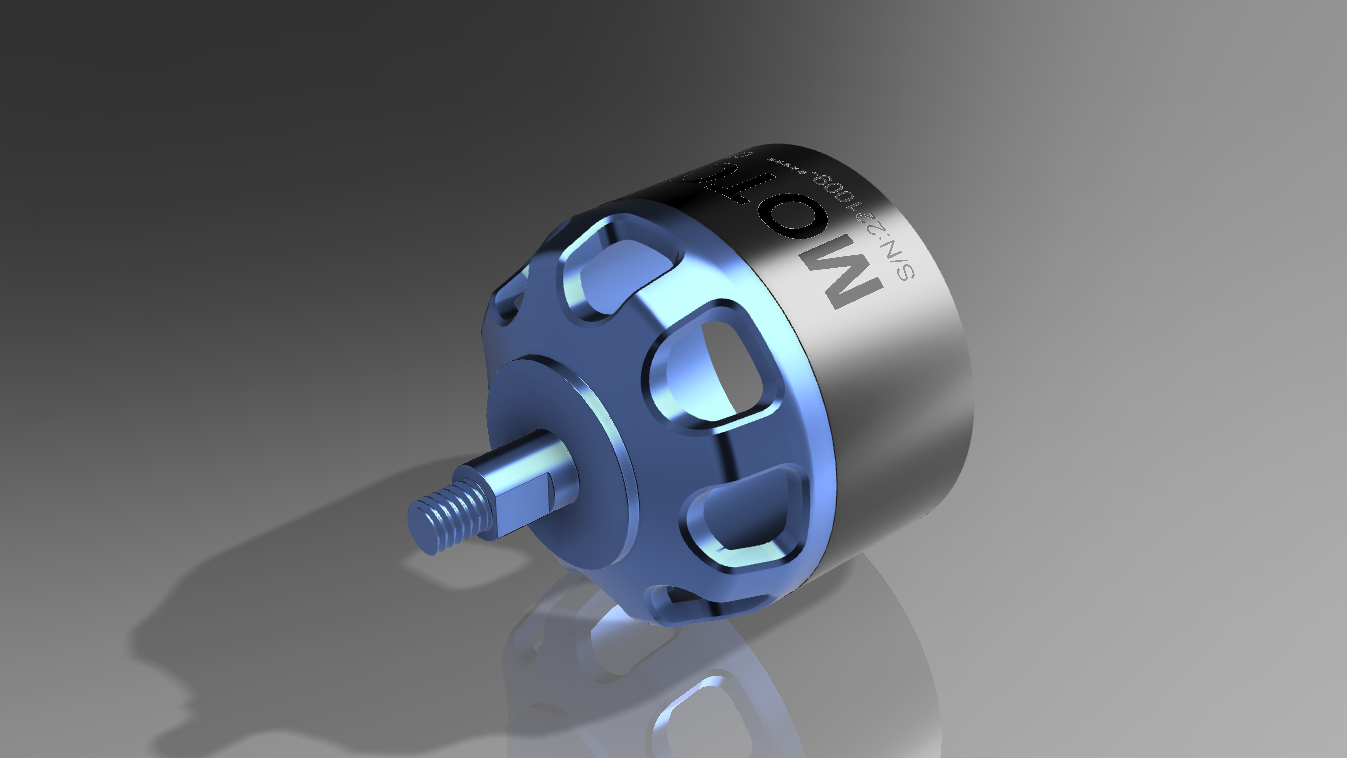
モデル参考:Autodesk gallery _ Brushless DC Motor
#3d #2d #cad #fusion360 #drawing #tutorial #training #無料 #図面 #トレーニング #基礎 #練習 #問題 #学習
Comment
コメント一覧 (2件)
I saw how you put in the dimensions, but you are a modeler, not a designer, right? If the machining shop saw these drawings, they would be pissed off.
Thank you for your comment.
These drawings are created for modeling practice and topology study rather than for direct machining or production use.
The goal of this channel is to focus on clean geometry, controlled workflows, and learning CAD-style thinking inside different tools.
I appreciate your perspective from a manufacturing point of view — it’s an important angle, and I’ll continue refining how drawings are presented in future tutorials.
Thanks for taking the time to share your thoughts.